01
Interactive floor layout
See areas, tables, and table status on one floor plan.
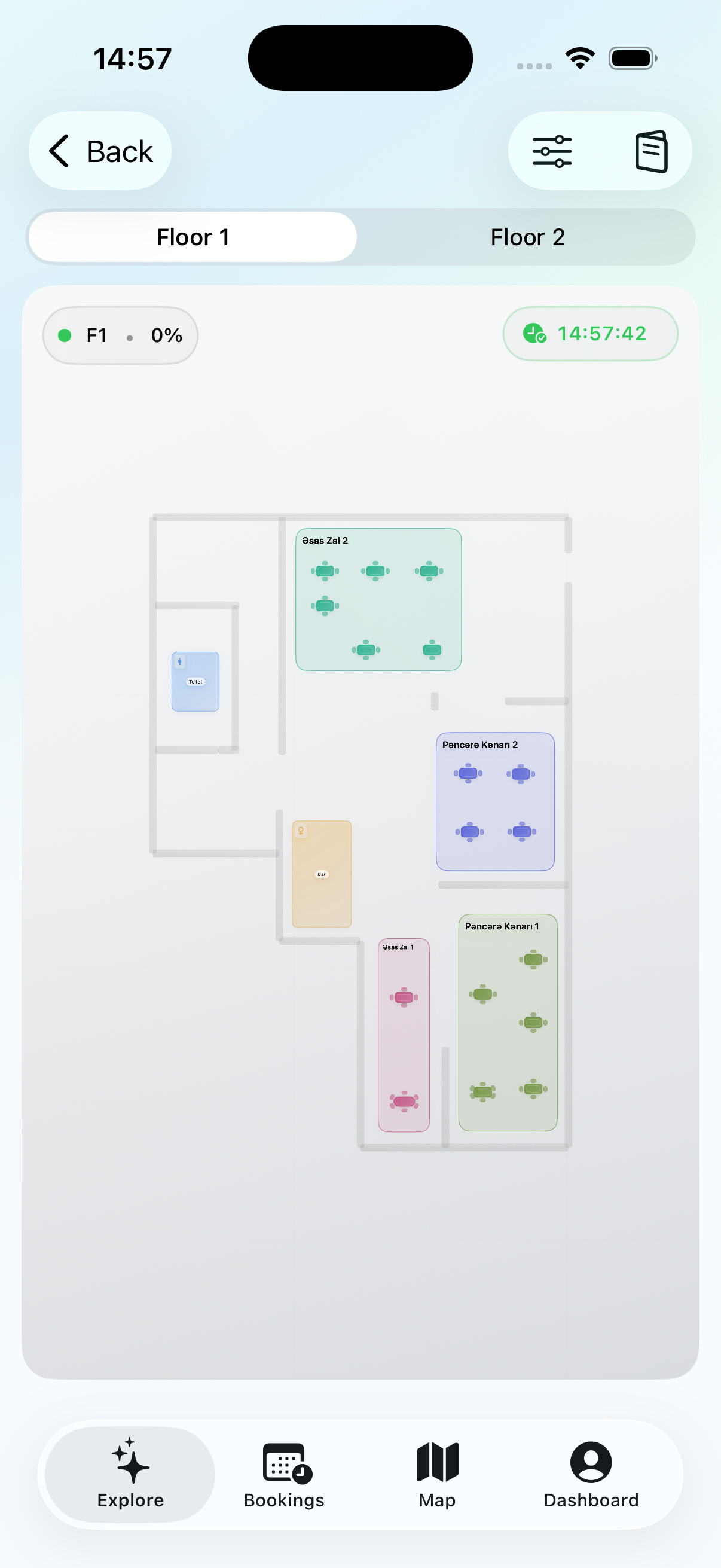
01
See areas, tables, and table status on one floor plan.
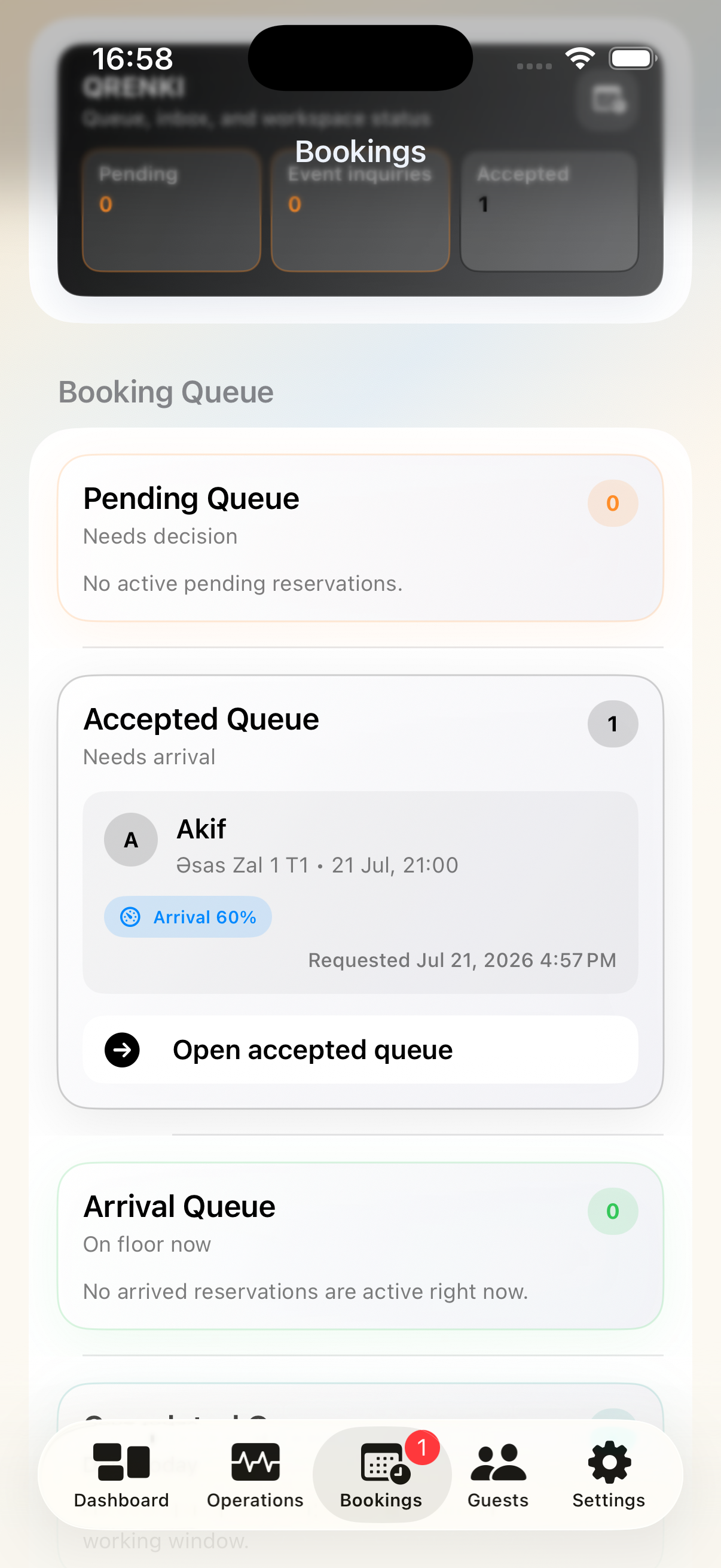
02
Move each booking from pending to accepted, arrived, and closed.
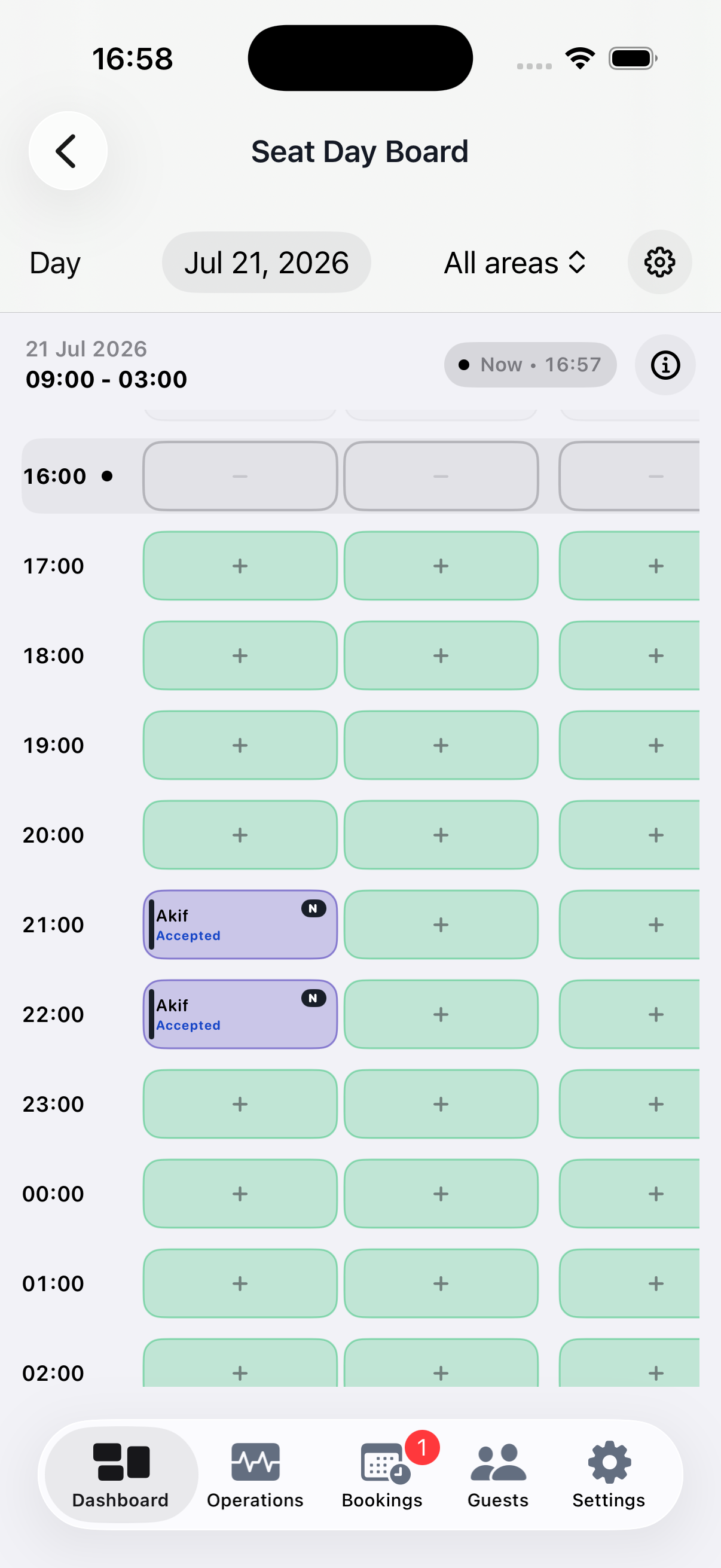
03
Follow reservations by table and time from one day board.
04
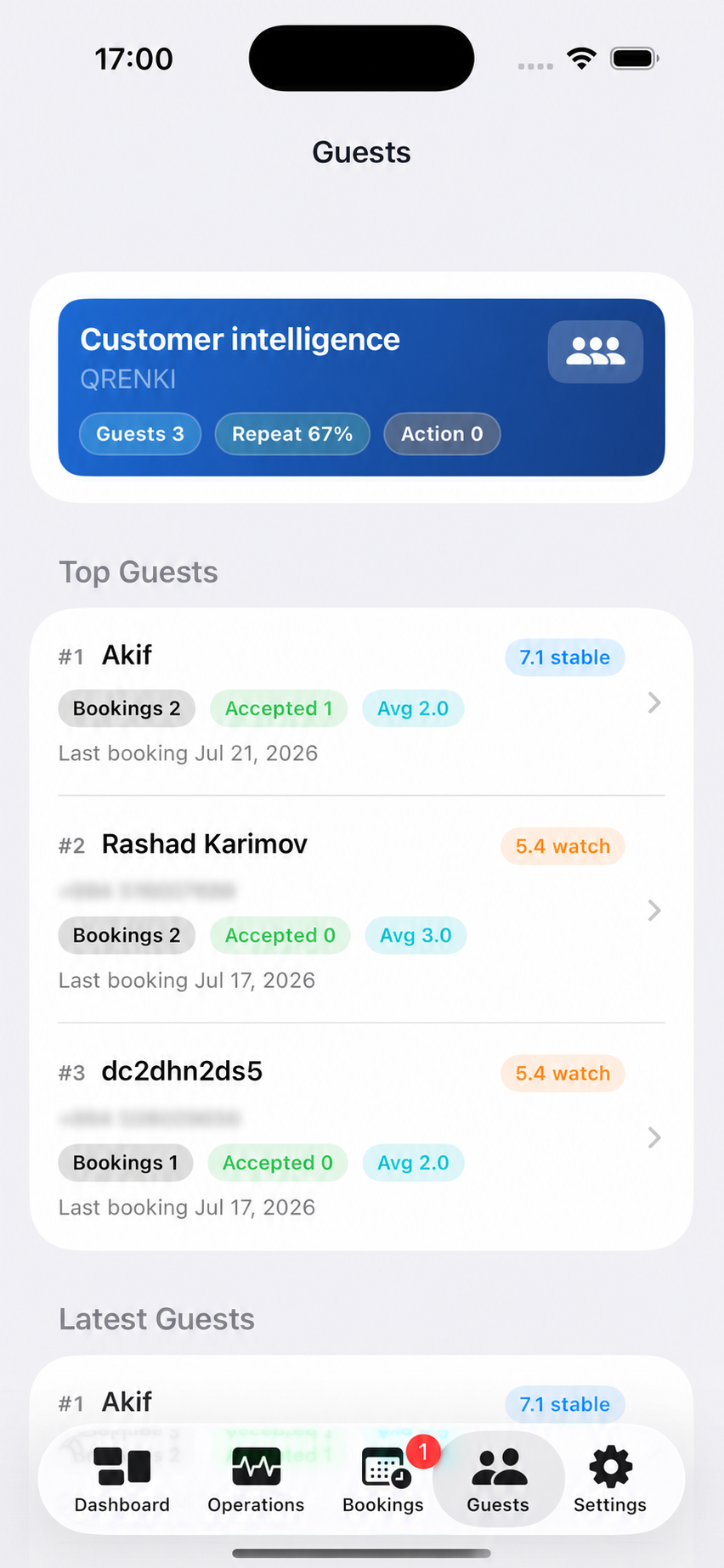
See guest details and past reservations before you decide.
05
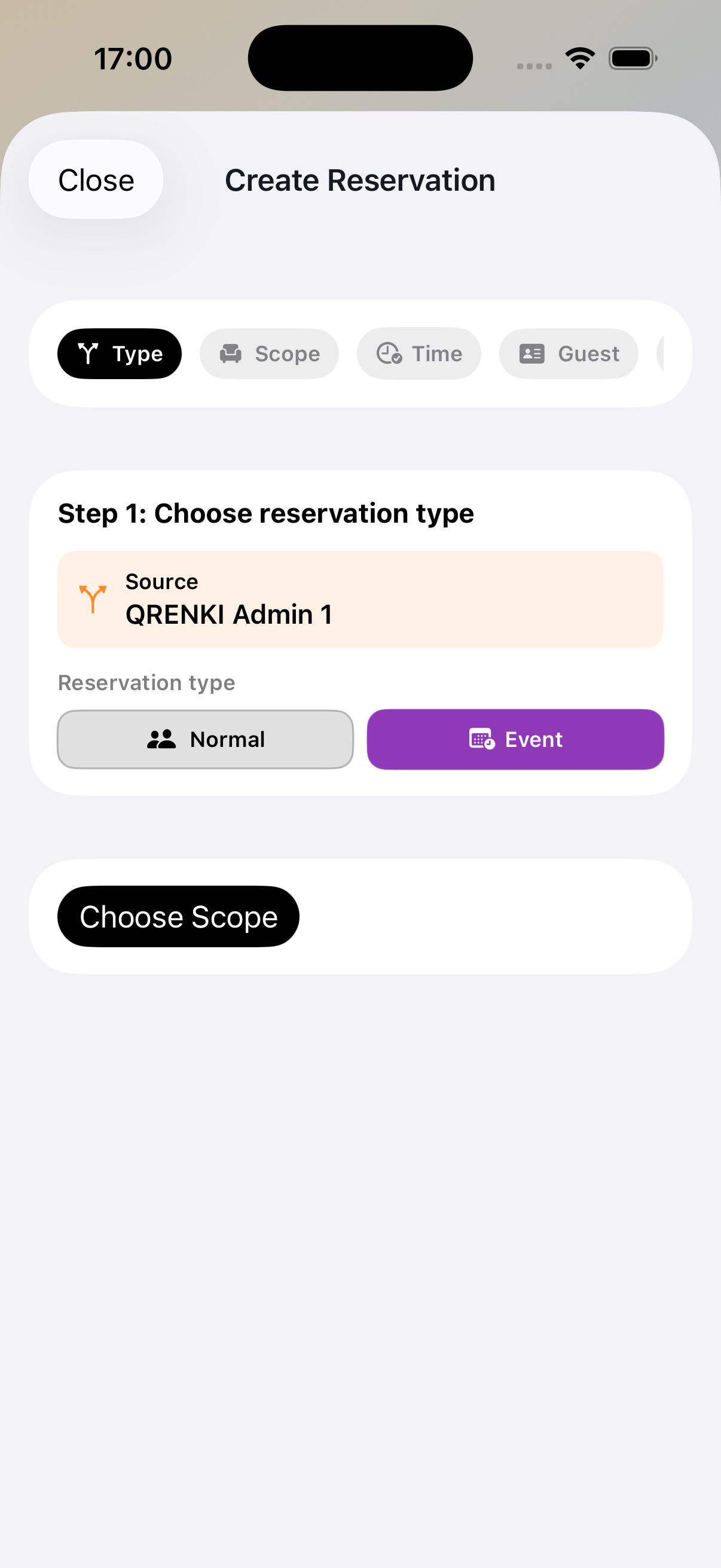
Collect the important details for a standard, private, or event reservation in one place.
06
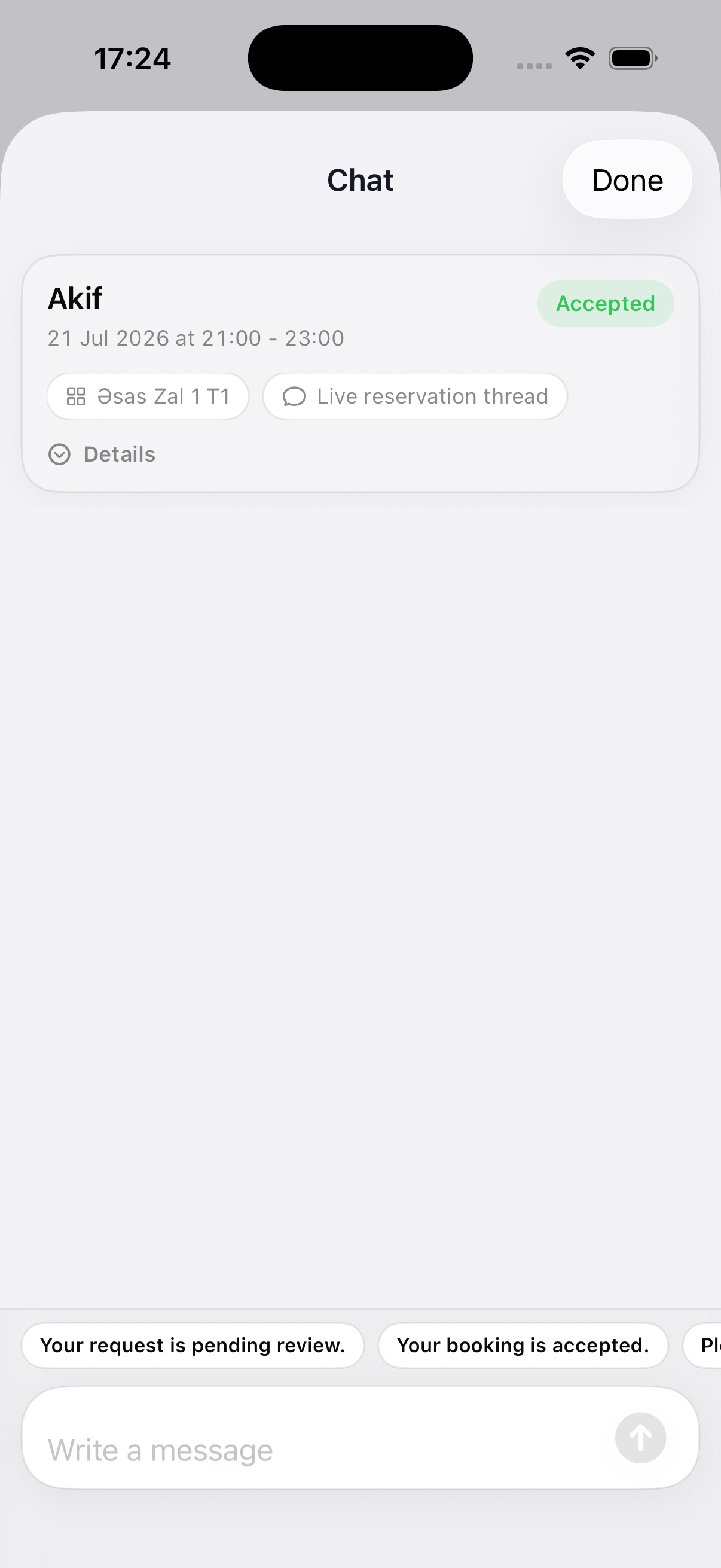
Keep the conversation with the booking and continue on WhatsApp when needed.
07
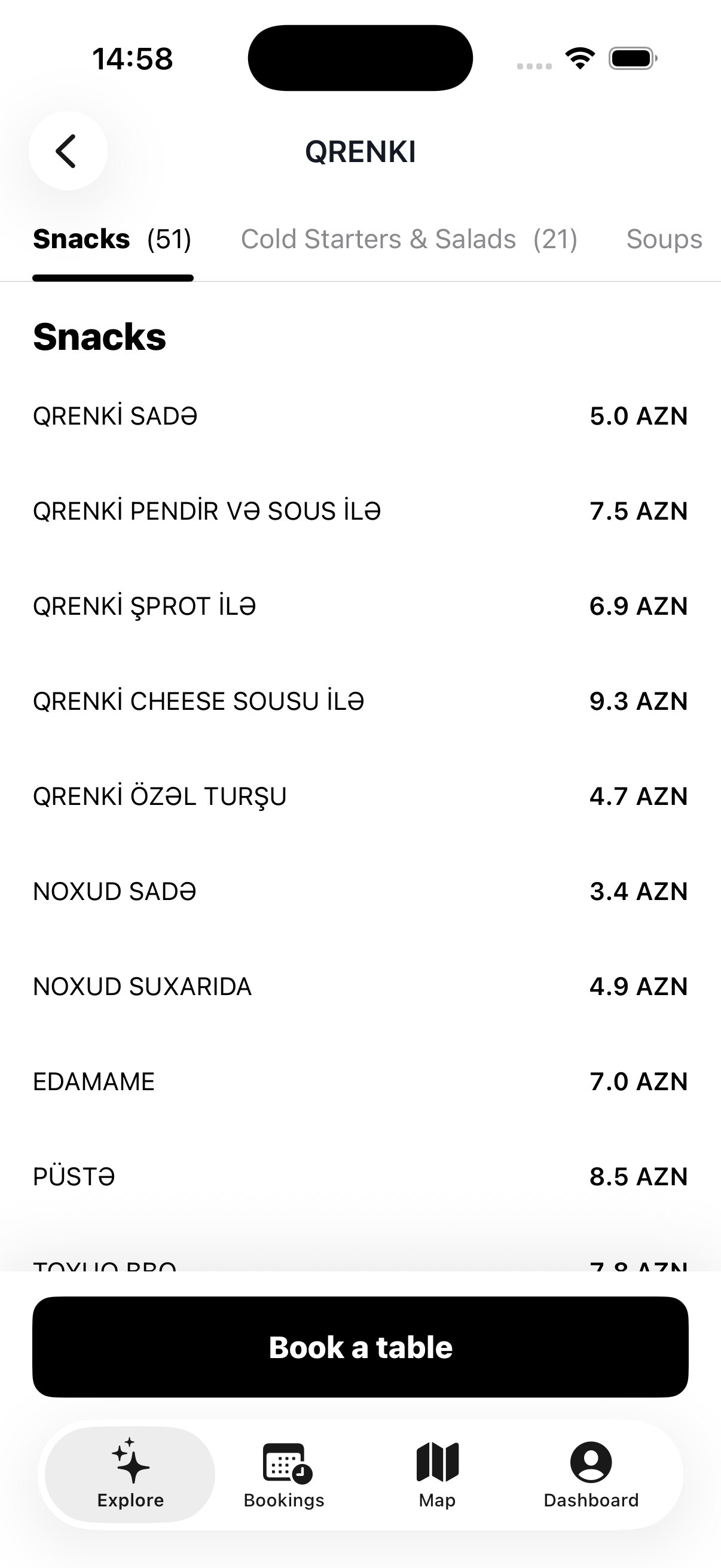
Keep your venue menu in the app so guests can review their options before booking.